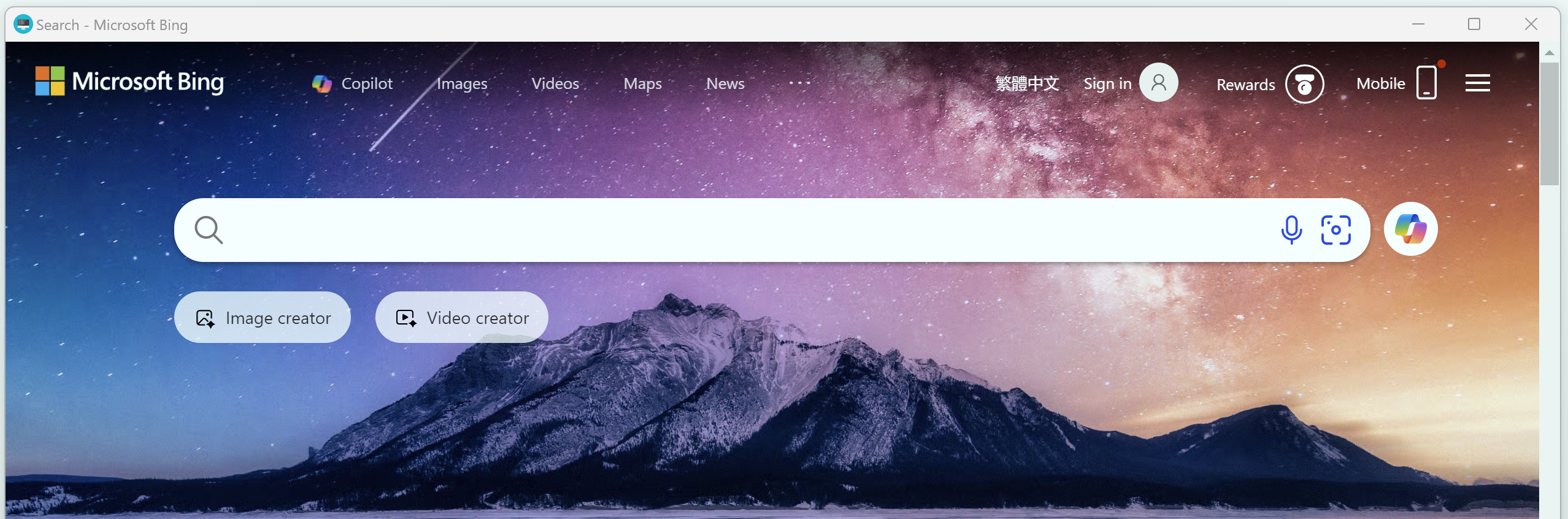
Pack URL Address
Operation Steps
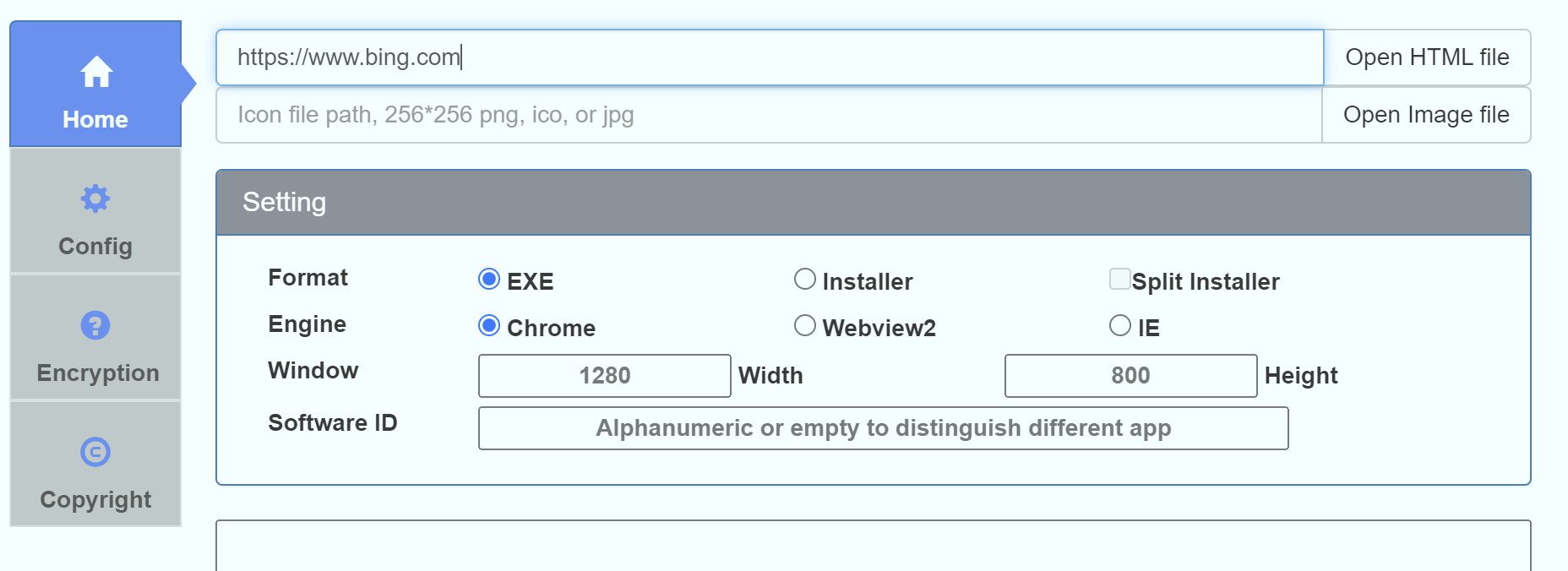
1. Enter the URL to Pack
Enter the URL you want to pack in the first address box, for example:
https://www.bing.com
2. Customize Icon (Optional)
In the software interface, select the "Open Local Icon File" button to browse local png/jpg/ico icon files and customize the icon of the EXE file. If left blank, the default icon will be used.
3. Set Software ID (Optional)
If you choose the installer package format, you can set the software ID to distinguish different applications and ensure they are not overwritten during installation.
4. Start Packing
Click the pack button. After packing is complete, an EXE file will be generated. Open the EXE file to see the packaged website.